How Scan to Help Works

How it works

Who Can Use Scan to Help?

Designed for Everyone

Whether you’re a vehicle owner, a passenger, or a concerned citizen, Scan to Help empowers you to connect, report, and stay safe on the road.

01
Register & Setup

Create your profile, add your vehicle, and set privacy controls.

02
Place QR Code

Print and stick your unique QR code on your vehicle or belongings.

03
Scan & Connect

Anyone can scan to view info, report issues, or contact you securely.

04
Get Notified

Receive instant alerts with scan details and take action quickly.

App presentation

How Scan to Help keeps you safe

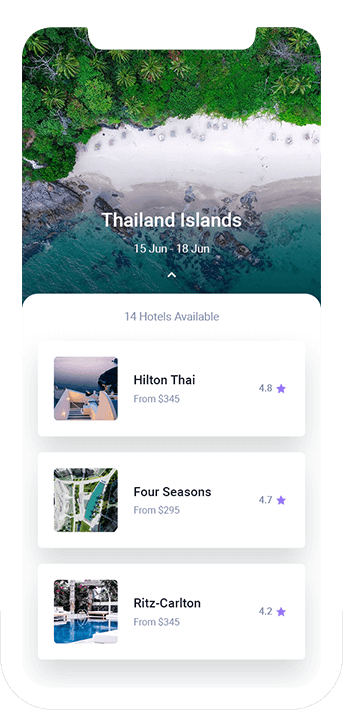
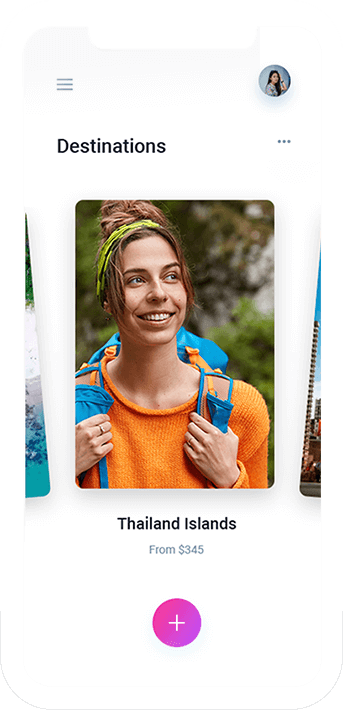
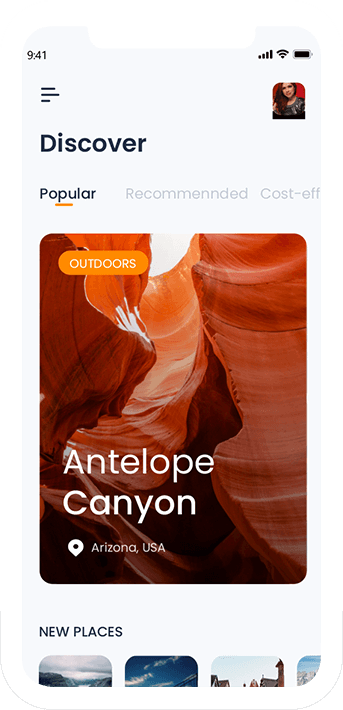
Scan to Help is your digital safety companion, designed to connect people instantly in emergencies and everyday situations. By simply scanning a QR code, users can access verified vehicle and owner details, share live location, report issues, and notify emergency contacts—ensuring help is always just a scan away.

Download App
Safety & Privacy

Your Data, Your Control

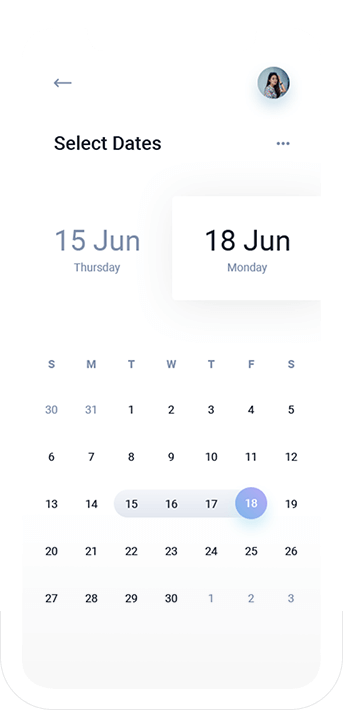
All information is encrypted and privacy settings let you decide what’s visible. Only authorized contacts are notified in emergencies.

Frequently Asked Questions

How can we help?

How does Scan to Help work?

Anyone can scan your unique QR code to view limited contact info or send an emergency alert — without sharing your phone number publicly.

Can I hide my personal details?

Yes. You decide which information is visible through privacy settings in your profile.

What happens when someone scans my QR?

You’ll instantly get a notification with details like location, time, and reason — allowing you to respond quickly.

Is my data safe?

Absolutely. All data is encrypted and securely stored — we never share your details with anyone.

hurray
Join the 30000+ users trusting Scan to Help.
Scroll